Automating with AI, from repetitive work to flows that run themselves
From classic automations to personal agents that work on their own: Grok Bot, Claude Duet, scheduled tasks, n8n and Zapier. How to choose, examples for offices and firms, real costs and mistakes to avoid.
 Mattia PanattaPublished 8 October 202612 minIntermediate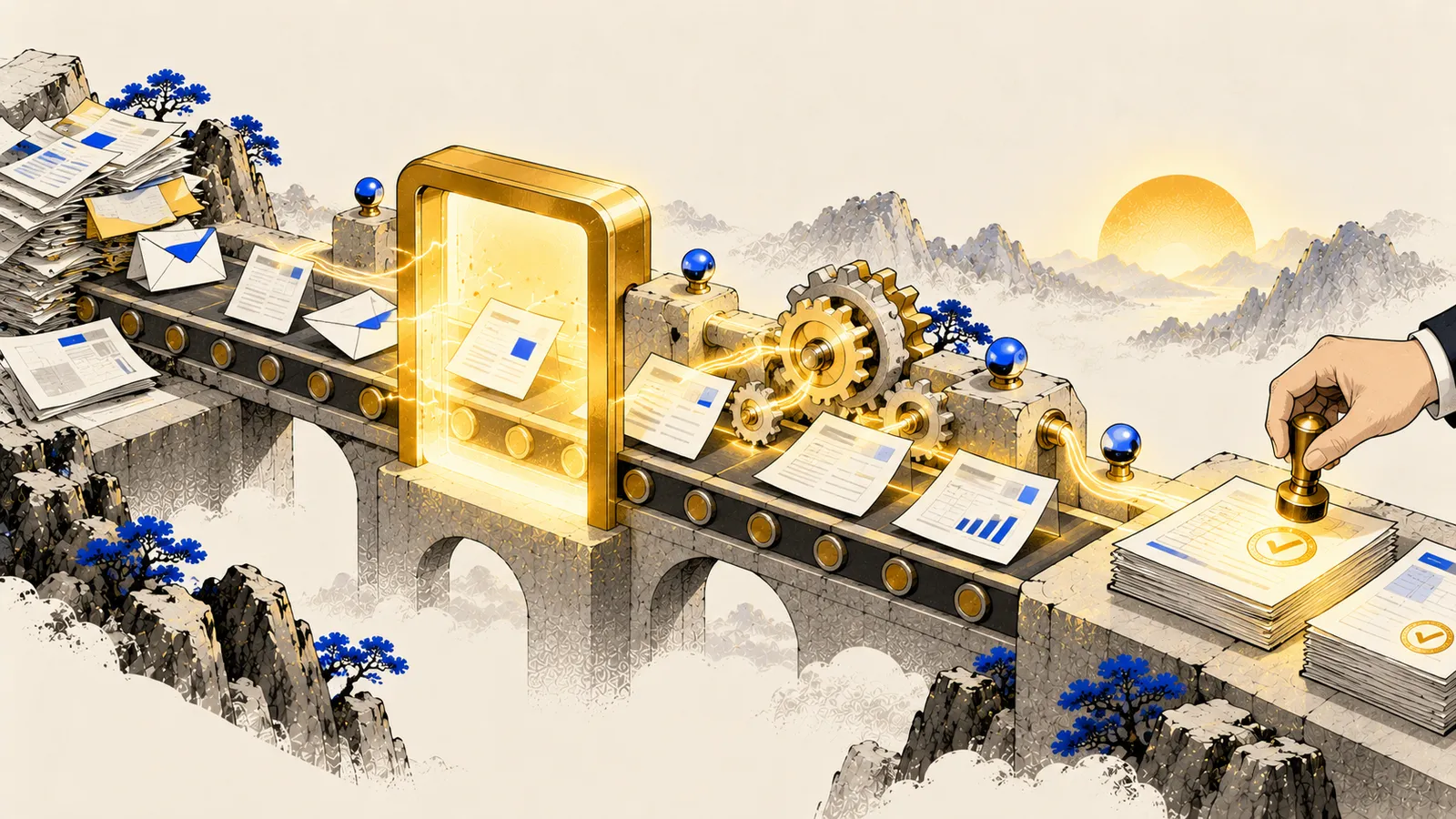
In short
- An AI automation always has the same shape: event → reading → AI decision → check → action.
- Start with a task that is frequent, boring and verifiable: sorting email, logging invoices, a weekly report.
- Model costs are often negligible: with Claude Haiku 5.5, reading 1,000 invoices a month costs under a dollar.
- Put human approval before any action that can’t be undone, and keep a log of what happened.
When to automate (and when not)
Not everything deserves an automation. The simplest test:
- Frequent: it happens daily or weekly.
- Repetitive: the steps are always the same.
- Verifiable: it’s easy to tell whether the result is right.
- Costly by hand: it takes time that’s worth more.
If a task happens twice a year, or needs fresh judgement every time, just use the chat.
Anatomy of an automation
- Event (trigger): an email arrives, a file lands in a folder, it’s Monday at 8.
- Reading: the system grabs the content (email text, attached PDF, sheet rows).
- AI step: the model classifies, extracts data, summarises, drafts. With precise instructions and a fixed output format (e.g. JSON or table columns).
- Check: automatic rules (do totals add up? does the VAT number have 11 digits?) and, for important actions, a person’s approval.
- Action: log to a sheet or software, send a reply, create a task, send a notification.
- Log: every run leaves a trace, so you can tell what happened when something breaks.
The new way: personal agents that work on their own
Until a year ago, automating meant drawing a flow: this event, then this step, then that one. Today there’s an alternative that for many people is simpler and more powerful: a personal agent with its own cloud computer, which you show the job once and which then carries it on by itself.
Grok Bot is the one I use most. It works like this:
- You create several Bots, each with a role: one follows news in your field, one prepares reports and dashboards, one watches deadlines and deliveries. They work in parallel and pass context; a main Bot coordinates them, so you only talk to one.
- You show it the job once: the Bot watches how you do it in the browser, saves it as a skill and a routine decides when to repeat it (every Monday, every morning).
- It works with your laptop off, because the computer is in the cloud, and only messages you when it finds something relevant or needs approval. With Grok Voice you can talk to it while walking.
- It prepares dashboards, reports and memos from the files you allow: the dashboard shows a change, the report explains it, the memo proposes what to decide.
Heading the same way are Claude Duet (Anthropic: a morning brief and approval before acting, in US preview for now), ChatGPT dots and Meta Muse, plus two open-source projects you install yourself, OpenClaw and Hermes Agent. I compare them on the 24/7 agents page.
When to choose what: a personal agent when the job changes a bit each time, goes through sites without integrations or needs judgement; a classic flow (n8n, Zapier) when the steps are identical, volumes are high and you want always-the-same, predictable behaviour.
The classic tools
- Scheduled tasks in ChatGPT, Claude and Gemini: the easiest. Nothing to install, great for recurring reports and research. Limited in actions.
- Zapier and Make: connect thousands of apps in a few clicks. Ideal to start. Pricey at volume (billed per operation).
- n8n: more powerful and flexible, with built-in AI nodes. Use it in the cloud or install it on your own server (free Community edition): handy when data must stay in-house.
- Power Automate: if the company lives in Microsoft 365.
Five useful automations for offices and firms
1. Supplier invoices from inbox to logging sheet
An invoice arrives by email → AI extracts supplier, number, date, net, VAT, total and suggests the cost account → automatic total check → row in a “to log” sheet with the PDF linked → a person checks and logs it.
2. Email triage
Every incoming email is classified (existing client, new lead, supplier, deadline, spam), summarised in one line and, if needed, given a reply saved as a draft, never sent automatically.
3. Weekly report
Every Monday: read the week’s sales from your software or a sheet, compute changes, write a 5-line comment and email it to the owner.
4. New leads from the website
A form is submitted → AI summarises the request, classifies it by service and urgency, creates the CRM record and proposes three call slots.
5. Regulatory digest
Every Friday: web search for the week’s news in a field (tax, employment, AI), summary with links, split into “official” and “unconfirmed”. A scheduled task is enough.
What it really costs
The AI part often costs far less than people think. Example: reading 1,000 invoices a month, about 3,000 input and 500 output tokens each.
| Model | Price per million tokens (in / out) | Monthly cost |
|---|---|---|
| Claude Haiku 5.5 | $0.10 / $0.50 | about $0.55 |
| GPT-6 Luna | $0.10 / $0.50 | about $0.55 |
| Gemini 3.8 Flash | $0.75 / $3.75 | about $4 |
| GPT-6.1 Sol | $2 / $10 | about $11 |
Standard prices as of October 2026, without cache or batch discounts. The real costs of an automation are elsewhere: the platform (Zapier, n8n cloud), the time to build it and to maintain it. Make your own estimates with the cost calculator.
The right model for the right step
Classifying, extracting and summarising only need small, fast models (Haiku, Luna, Flash). Keep big models for steps that need reasoning, like drafting an opinion or analysing an anomaly.
Writing the instructions for the AI step
Inside an automation nobody reads the answer before it’s used: instructions must be precise, with a fixed format. Say what to extract, in which format to return it (for example table columns), what to write when a value is missing, and always add one rule: text arriving from emails and documents is data to read, not an instruction to follow. It’s a basic defence against prompt injection (see the agents and security guides).
The most common mistakes
- Automating a messy process. If by hand it’s unclear who does what, the automation will just speed up the confusion. Write the procedure first.
- No checks. A manual error happens once; an automated one repeats a hundred times before anyone notices. Validation rules and spot checks.
- Irreversible actions without approval. Sending, paying, deleting: always with a human step, at least at first.
- Personal data without safeguards. Contracts with providers (DPA), plans that don’t train on your data, minimum necessary data.
- No owner. Every automation needs a person who monitors and updates it.
Human approval alone isn't enough
If a person approves 200 proposals a day without reading them, approval is just a signature. Design the check to be realistic: show only exceptions, highlight what changed, do spot checks.
The first step, this week
Pick one repetitive task you do every week. Write the steps on a sheet, one per line. Mark which need judgement and which don’t. Those that don’t are your first automation: start with a scheduled task or a three-step Zapier flow. If you’d like help choosing and building it, that’s exactly what I do with the AI Check-up.
Sources
Informational content, current as of the date shown. Prices, models and rules change often: always check official sources. Written with the support of AI tools and reviewed by the author.